


Our Plans
Advanced Plan For Contact us, Please click here
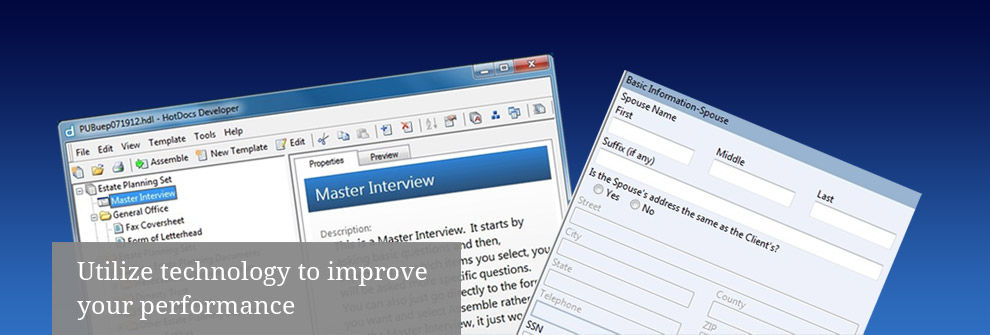
The Advanced option is designed for users who are experienced with HotDocs and want the ability to manipulate the underlying templates in order to make permanent changes. In this option, you, the purchaser, use a third party program called HotDocs Developer (if you do not already own it), along with the Utah Legal Suite template library to create a full array of custom estate planning and business planning documents for your clients. PLEASE NOTE: HotDocs requires a Microsoft environment in order to operate. Apple Users should contact HotDocs for more information.
The way it works is that first you purchase HotDocs Developer (using the button below) from the HotDocs Company. NOTE: we are not affiliated with this company and have no control over their products or pricing. Next, AFTER you have installed HotDocs Developer, you purchase and download the Utah Legal Suite software (using the button below). For installation and operational instructions, please refer to the Operations Manual available on the Features Tab. In addition, all new purchases include up to one hour of instruction time (in person in Salt Lake, Utah and Davis and telephonic in other locales).
You own the software. The answer files and documents are stored directly on your own computer for future use and modification. There are no lockouts or expiration dates on the templates.
PLEASE NOTE: Utah Legal Suite does not assume any responsibility for templates which have been edited. Do not edit the underlying templates unless you know what you are doing. Utah Legal Suite does not provide training on editing; there are a number of independent entities that do that. Of course, any updates that you order from Utah Legal Suite will not include any of your modifications.
Again, this option should only be used by people who are very familiar with HotDocs Developer and document automation.
Components Include:
- Letterhead and fax templates
- Basic estate planning documents (including wills, revocable trusts, health care documents, powers of attorney and transmittal letters)
- Irrevocable Life Insurance Trusts (including transmittal letters and associated forms)
- Special Needs Trusts
- Utah Premarital Agreement
- LLC documents (including articles, operating agreement, ss-4 and more)
- S-corporation forms (including articles, bylaws, meeting minutes, stock certificates and more)
- C-corporation forms (including articles, bylaws, meeting minutes, stock certificates and more)
- Limited Partnership forms (including certificate and agreement)
- Utah Informal Probate (from start to finish)
- Utah Determination of Heirship (from start to finish)
- Utah Evictions forms (from start to finish)
- Employment Related Documents (employee agreement, independent contractor agreement and employee manual)
- Real Estate Documents (including deeds, leases, trust deeds)
- Financial Documents (including promissory notes, loan documents and assignment forms
- And more!!
Price:
This fee includes one year of free
quarterly updates. Future updates can
be purchased if desired for $99 each. Buy Now
HotDocs is a separate company with which we
have no relationship. They set their own pricing
and as such their pricing is subject to change.
Call 801-615-2201 to receive a 10% discount.
A 30-day free trial can be found here: Try & Buy